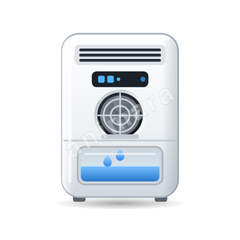
Animated cassette air conditioner icon for Home Assistant
A ceiling cassette whose four louvers open to release soft mist from all four sides: cool white for cooling, warm white for heating and a light swirl of air with swinging louvers for fan, with the corner LED showing the mode.
4 states: off, cooling, heating and fan. Part of the climate icons in the Animara Full Pack.
Get the Full Pack · $24Free sampler on GitHub
One time payment, 14 day refund. The free sampler has 12 icons and the same card.
States of the cassette air conditioner icon
The card picks the state from your entity, so the icon always shows what the cassette air conditioner is doing.
- OffResting state, shown when the device is off or idle.
- Cooling
- Heating
- Fan
Which Home Assistant entities fit
- Any entity that is simply on or off, such as a
climate,switchorinput_boolean: on shows cooling, off shows off. Entity states named like a state below (for examplefan) are used directly. - Works with any entity whose state you map: pick this icon in the card and map your entity's own state words to these states with the card's
states:option.
How to use it in Home Assistant
- Install the Animara card: one link install, HACS as a custom repository, or copy
animara-card.jsto/config/www. - Edit your dashboard, choose Add card, then Animara.
- Pick your entity. Choose Cassette air conditioner in the Icon list if it is not detected automatically.
- Paste your Full Pack license key into the License key field once per dashboard.
Prefer YAML? This is all it takes:
type: custom:animara-card
entity: climate.cassette_ac
icon: cassette_ac
Mapping words yourself looks like this:
states:
  "on": fan
Related climate icons
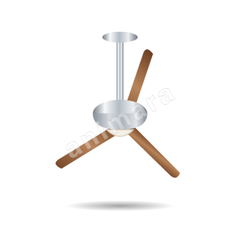
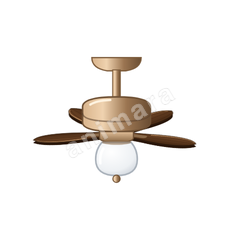
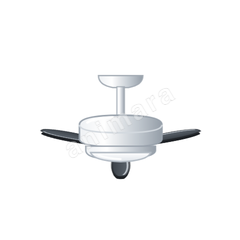
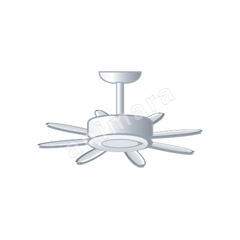
- Ceiling fanOff, low, high, light, fan light


Get the Full Pack · $24Free sampler on GitHub
One time payment, 14 day refund. The free sampler has 12 icons and the same card.